
How Do You Reset the Maintenance Light on a Toyota Tundra?
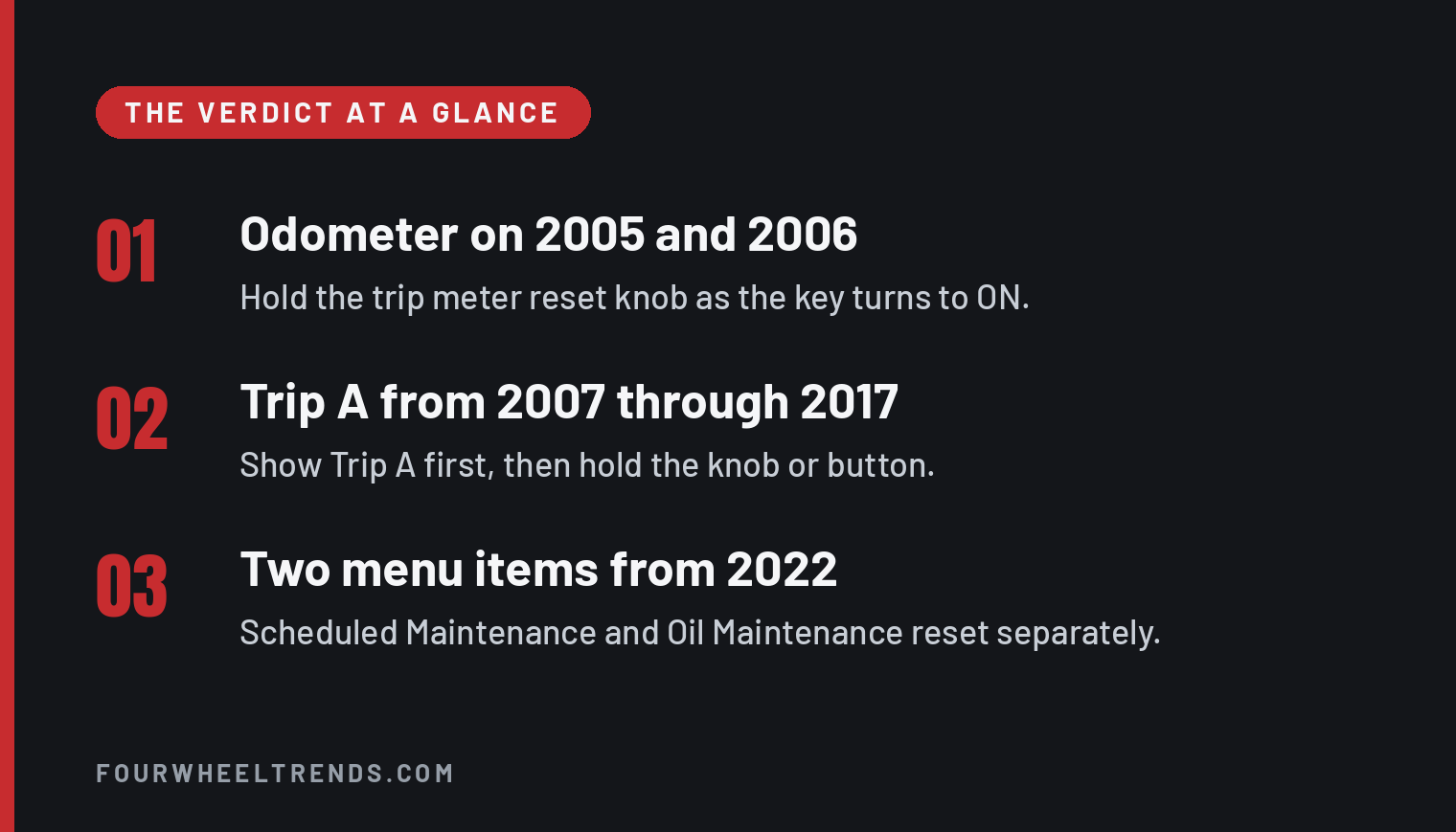
You reset the maintenance light on a Toyota Tundra from the instrument cluster after the service is done, and the starting point depends on the model year. A 2005 or 2006 truck starts on the odometer, a 2007 through 2017 truck starts on Trip A, and a 2018 through 2026 truck uses a settings menu on the multi-information display. Find your year below.
| Model year | Start from | Control you use | Steps |
|---|---|---|---|
| 2005 through 2006 | Odometer | Trip meter reset knob | Odometer reset |
| 2007 through 2013 | Trip A | Trip meter reset knob or button | Trip A reset |
| 2014 through 2017 | Trip A | TRIP/INFO or ODO/TRIP button | Button reset |
| 2018 through 2021 | Gear icon on the multi-information display | Meter control switches, Maintenance Reset | Maintenance Reset menu |
| 2022 through 2026 | Gear icon on the multi-information display | Meter control switches, Scheduled Maintenance or Oil Maintenance | 2022 through 2026 menus |
| 2000 through 2004 | No reset in the owner’s manual | None listed | Before you reset |
Before you reset, match the message to the service
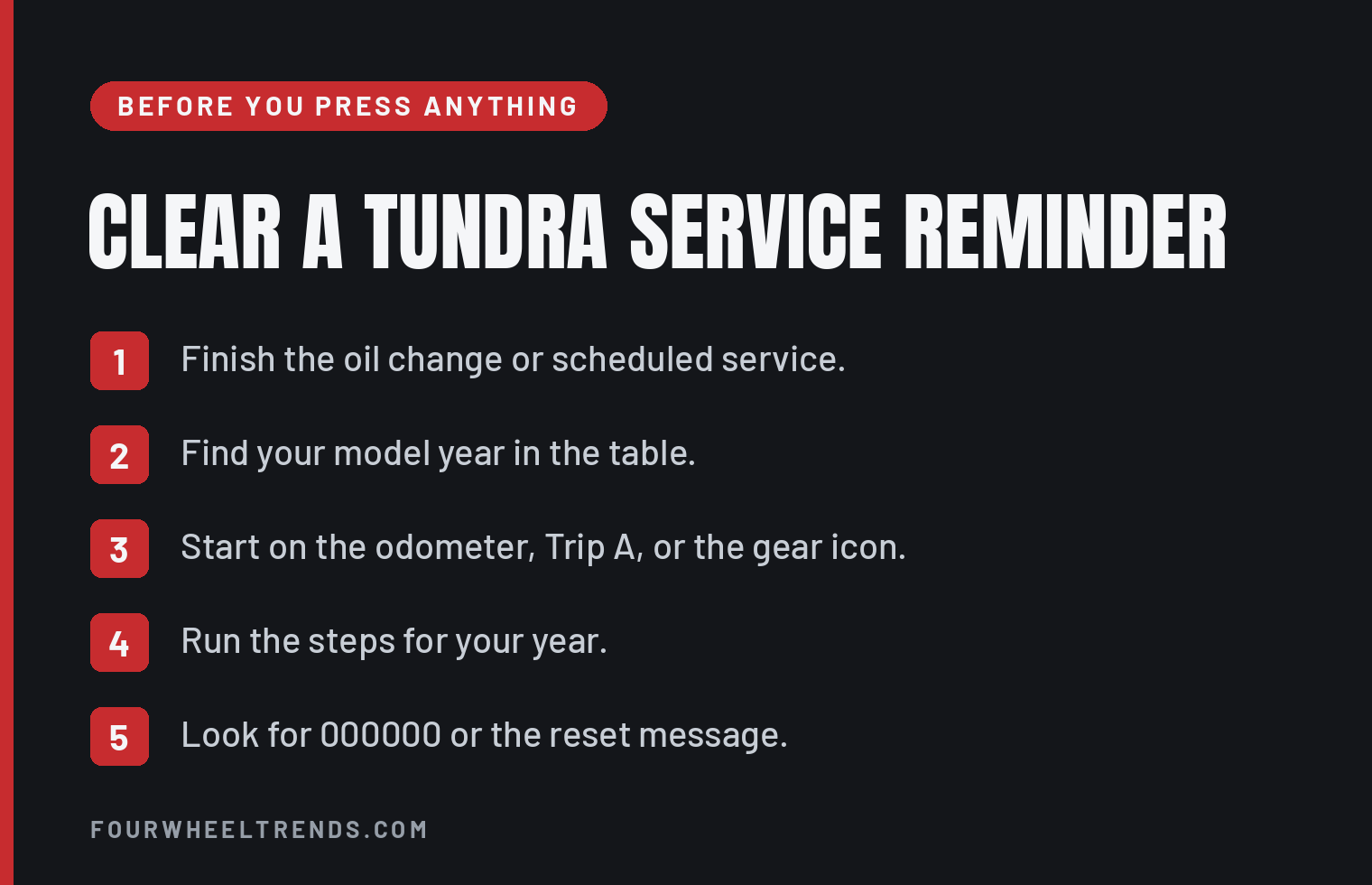
Do the work first. Toyota’s manuals say to reset the reminder after the oil change or the scheduled maintenance is performed.
The 2000 through 2004 Tundra owner’s manuals describe no maintenance reminder reset. The procedure first appears in the 2005 manuals, and the 2005 through 2019 manuals mark it for trucks sold in the U.S.A. If you are still choosing a truck, our guide to the best Tundra years compares the model years.
2005 and 2006 Tundra, odometer and reset knob
The 2005 and 2006 manuals start this reset from the odometer reading. About 4,500 miles after an oil change, the light comes on for about 3 seconds and then flashes for about 12 seconds when you turn the key to ON. Past 5,000 miles it stays on.
- Show the odometer reading.
- Turn the ignition key to ACC or LOCK.
- Press and hold the trip meter reset knob.
- Turn the key to ON while you keep holding the knob.
- Hold the knob for at least 5 seconds.
- Release it when the odometer shows 000000 and the light goes off.
If the light keeps flashing, the system did not reset. Run the steps again.
2007 through 2013 Tundra, Trip A and the reset knob or button
Every manual in this range starts from the trip meter A reading. The 2007 and 2008 manuals call the control the trip meter reset knob, and the 2009 through 2013 manuals call it the trip meter reset button.
- Show Trip A on the meter.
- Turn the ignition off.
- Press and hold the trip meter reset knob or button.
- Turn the ignition to ON while you keep holding it.
- Keep holding until the meter confirms the reset.
A meter without the multi-information display shows 000000 when the reset finishes. A truck with the multi-information display shows MAINT REQD RESET MODE COMPLETE.
The 2007 and 2008 manuals add two details. Hold the knob for at least 5 seconds, and turn the ignition to OFF on the plain meter or to ACC or LOCK on a truck with the display.
2014 through 2017 Tundra, Trip A and the ODO/TRIP button
The 2014 manuals name two buttons, TRIP/INFO or ODO/TRIP, depending on the meter. The 2015 through 2017 manuals name ODO/TRIP.
- Show Trip A.
- Turn the engine switch off.
- Press and hold TRIP/INFO or ODO/TRIP, whichever your meter has.
- Turn the engine switch on while you keep holding the button.
- Keep holding until the reset confirms.
A 2014 meter without the multi-information display shows 000000. The multi-information display on 2014 through 2017 trucks shows RESETTING MAINTENANCE DATA.
2018 through 2021 Tundra, the Maintenance Reset menu
From 2018 the reset lives in the multi-information display. You work it with the meter control switches on the steering wheel, and the first screen you need is the one marked with a gear icon.
- Press the left or right meter control switch and select the gear icon on the multi-information display.
- Press up or down, select Vehicle Settings, and press the enter button.
- Press up or down, select Maintenance Reset, and press the enter button.
- Select YES and press the enter button.
2022 through 2026 Tundra, Scheduled Maintenance or Oil Maintenance
The 2022 through 2026 manuals give two reset items under Vehicle Settings. Scheduled Maintenance clears the message that maintenance is required. Oil Maintenance resets the engine oil data, and the manuals say to reset it after every oil change. The gas and hybrid manuals give the same steps.
The oil messages come in two stages. The manuals say Oil Maintenance Required Soon means the oil change should be scheduled, and Oil Maintenance Required means the oil should be changed.
Clear the scheduled maintenance message
- Press the left or right meter control switch and select the gear icon on the multi-information display.
- Press up or down, select Vehicle Settings, and press and hold OK.
- Press up or down, select Scheduled Maintenance, and press OK.
- Select Yes and press OK.
Reset the oil maintenance data
- Press the left or right meter control switch and select the gear icon.
- Press up or down, select Vehicle Settings, and press OK.
- Press up or down, select Oil Maintenance, and press OK.
- Select Yes and press OK.
- Look for Reset Complete on the multi-information display.
Watch the Vehicle Settings step. Toyota prints a press and hold for the scheduled maintenance reset and a single press for the oil reset.
When the message comes back after a reset
Check where you started. A 2005 or 2006 truck has to start on the odometer, and a 2007 through 2017 truck has to start on Trip A.
On a 2022 or newer truck, check which item you cleared. The manuals give Scheduled Maintenance and Oil Maintenance their own reset steps, so run the one that matches the message on the screen.
A low oil pressure, charging system or check engine warning is a separate light with its own instructions in the owner’s manual. The Tacoma uses its own reset, covered in our Tacoma maintenance light guide.
Sources
- 2000 Tundra owner’s manual, no reminder reset described
- 2001 Tundra owner’s manual, no reminder reset described
- 2002 Tundra owner’s manual, no reminder reset described
- 2003 Tundra owner’s manual, no reminder reset described
- 2004 Tundra owner’s manual, no reminder reset described
- 2005 Tundra owner’s manual, page 179
- 2006 Tundra owner’s manual, page 187
- 2007 Tundra owner’s manual, pages 196 and 203
- 2008 Tundra owner’s manual, pages 196 and 204
- 2009 Tundra owner’s manual, page 483
- 2010 Tundra owner’s manual, pages 534 and 535
- 2011 Tundra owner’s manual, page 537
- 2012 Tundra owner’s manual, page 533
- 2013 Tundra owner’s manual, page 535
- 2014 Tundra owner’s manual, page 398
- 2015 Tundra owner’s manual, page 398
- 2016 Tundra owner’s manual, page 406
- 2017 Tundra owner’s manual, page 408
- 2018 Tundra owner’s manual, page 477
- 2019 Tundra owner’s manual, page 477
- 2020 Tundra owner’s manual, page 407
- 2021 Tundra owner’s manual, page 407
- 2022 Tundra owner’s manual, pages 460 and 469
- 2022 Tundra Hybrid owner’s manual, pages 449 and 459
- 2023 Tundra owner’s manual, pages 462 and 471
- 2023 Tundra Hybrid owner’s manual, pages 449 and 459
- 2024 Tundra owner’s manual, pages 464 and 474
- 2024 Tundra Hybrid owner’s manual, pages 449 and 460
- 2024 Tundra Hybrid 1794 Limited Edition owner’s manual, pages 447 and 458
- 2025 Tundra owner’s manual, pages 470 and 480
- 2025 Tundra Hybrid owner’s manual, pages 457 and 468
- 2026 Tundra owner’s manual, pages 467 and 477
- 2026 Tundra Hybrid owner’s manual, pages 465 and 476